
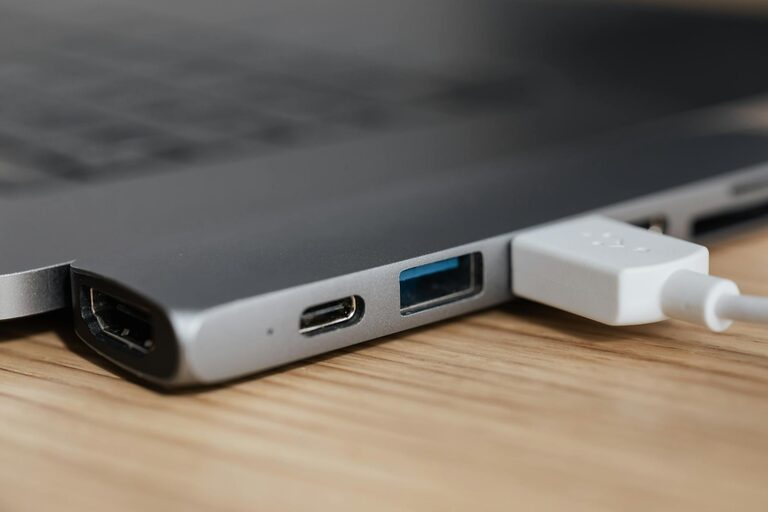
Setting up a dedicated charging station for your devices can bring order to the everyday chaos of tangled cords and scattered chargers. Whether you have smartphones, tablets, smartwatches, or Bluetooth headphones, having a centralized spot to power them all saves time, prevents clutter, and ensures your devices are always ready to go.
In this guide, we’ll walk you through everything you need to know to create an efficient and stylish charging station at home or at the office.
Why Create a Charging Station?
Before diving into the setup, it helps to understand the benefits:
– Reduced clutter: No more cables strewn across counters or desks.
– Device organization: Know exactly where to find each gadget.
– Safer charging: Keep devices away from spills or damage.
– Enhanced convenience: Charge multiple devices simultaneously with ease.
– Aesthetic improvement: A tidy setup adds to your space’s look.
Now, let’s explore how to build your own charging station step by step.
Step 1: Choose the Right Location
Pick a spot that meets these criteria:
– Accessibility: A place you visit frequently, like a kitchen counter, entryway table, or your desk.
– Power availability: Near a power outlet to avoid extension cords.
– Surface size: Enough space to hold all your devices comfortably, plus room for cables and chargers.
– Visibility: Somewhere visible to remind you to charge and grab devices as needed.
Step 2: Gather Your Supplies
You’ll need a few items depending on your approach:
– Charging hub: A multi-port USB charger or a wireless charging pad.
– Charging cables: Compatible cables for each device (Lightning, USB-C, micro USB).
– Organizer: Options include cable management boxes, trays, bins, or custom docks.
– Labels (optional): To identify cables or device spots for easy use.
– Power strip (if necessary): For additional outlets with surge protection.
– Decorative elements (optional): Plants, photos, or decorative trays to blend the station with your décor.
Step 3: Select the Best Charging Equipment
Choosing good-quality chargers and cables is key for safety and efficiency:
– Multi-port chargers: These combine several USB outputs into one device, reducing wall plug usage.
– Fast charging support: If your devices support fast or quick charging, get chargers and cables that do the same.
– Wireless chargers: Great for compatible smartphones and earbuds; reduces cable clutter.
– Surge protection: Helps protect devices from power spikes.
– Certification: Look for chargers and cables certified by manufacturers or reputable safety organizations.
Step 4: Organize Cables and Devices
Poor cable management can undermine your charging station’s benefits.
Tips for Taming Cables
– Use cable clips or ties to bundle excess cord length.
– Consider cable sleeves or raceways to hide wires.
– Wrap and secure cables that aren’t in use.
– Position cables so they’re easy to plug and unplug without pulling or tangling.
Device Placement Ideas
– Designate specific spots for each device.
– Use shelves or stackable trays if space is limited.
– Elevate chargers for easier access.
– Allow enough space for devices to stay cool while charging.
Step 5: Assemble and Test Your Charging Station
– Connect your chargers to the power source.
– Plug in cables and arrange devices.
– Label cables or spots if you want clarity in multi-user households.
– Test each device to ensure proper charging.
– Adjust layout or cable lengths for comfort and functionality.
Additional Tips for Maintaining Your Charging Station
– Periodically clean the area to prevent dust build-up.
– Replace worn cables to maintain safety.
– Update chargers as your devices change.
– Charge devices at night or during downtime to keep them ready.
– Encourage household members to return devices to the station after use.
DIY vs. Ready-Made Options
If you prefer, many brands sell pre-designed charging stations and docking stations that can simplify setup. These vary from minimalist wooden docks to high-tech multi-device hubs. Choose what fits your style, budget, and needs.
Final Thoughts
A well-planned charging station becomes a small but powerful part of your daily routine. By choosing the right location, investing in quality chargers, and organizing cables effectively, your devices will stay powered and your space clutter-free. Start setting up your station today and enjoy the convenience it brings!